How to stream from OBS Studio to your Acmecast screen
You can stream movie files, web pages, images, text or anything displayed on your monitor with OBS Studio on to your Acmecast screen in Second Life.
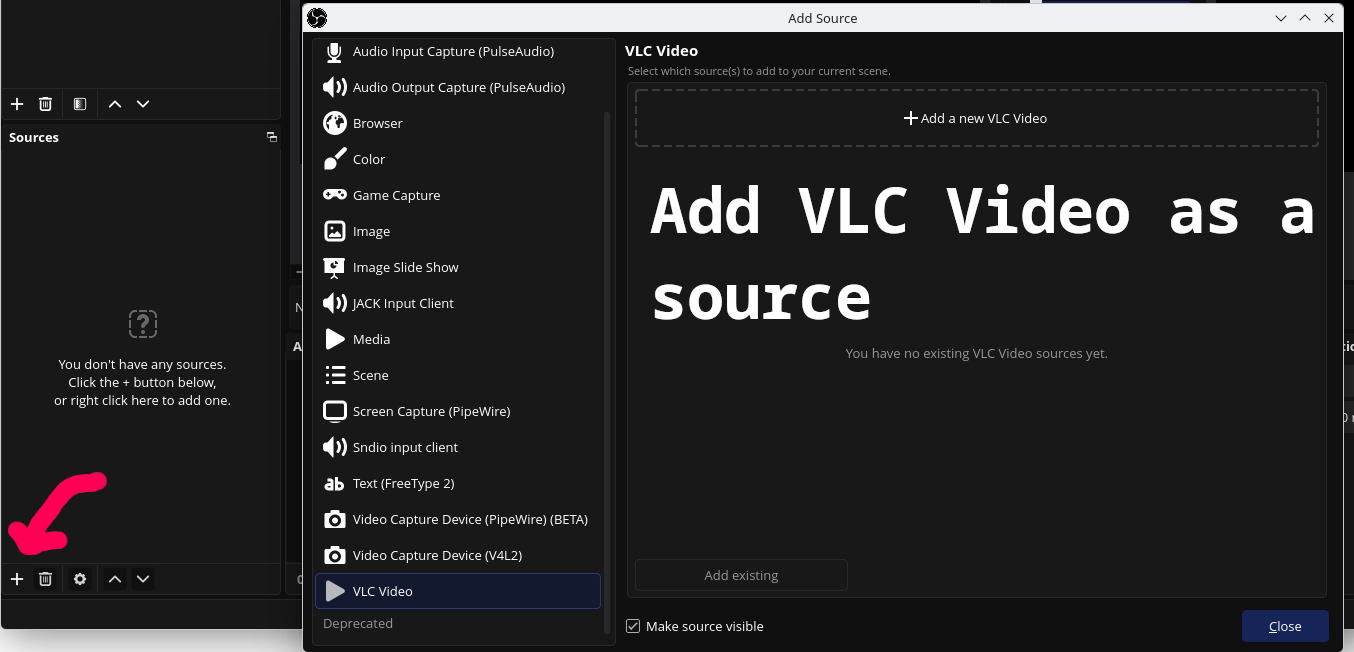
To stream a movie file on your computer, add a VLC Video source, then choose your movie file.
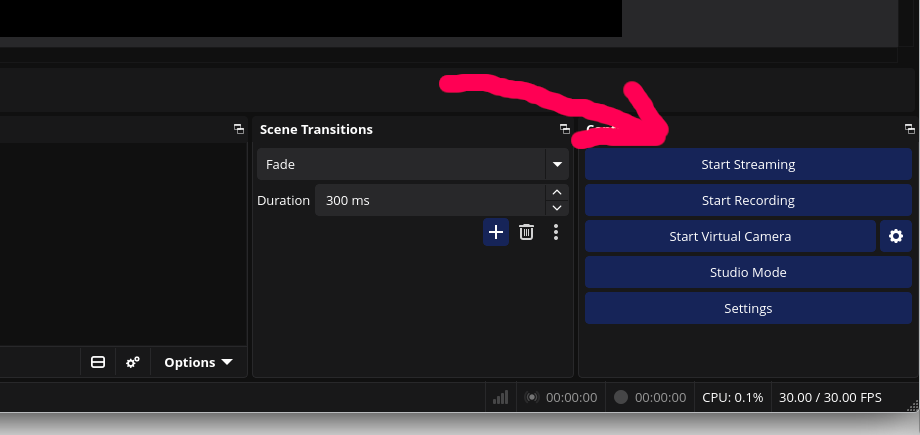
 After adding your video using a VLC Video source, click the "Start Streaming" button in the lower right.